Scripts
Python, Google API
Translation, pronunciation, and audio files are all generated using the Google Translate API and other tools.
I needed a simple language learning app to improve my vocabulary and pronunciation. None of the apps I tested fit my needs, so I decided to make one myself.
In my opinion, language learning is about the sheer amount of practice and repetition. Personally, I prefer to get these repetitions in a fast-paced 20-minute drill rather than an hour-long learning game. It is entirely possible to practice 400 words or 200 sentences in 20 minutes.
Basic principles:
The only practice button. Will provide a continuous practice flow, eliminating the need to switch focus between tasks.
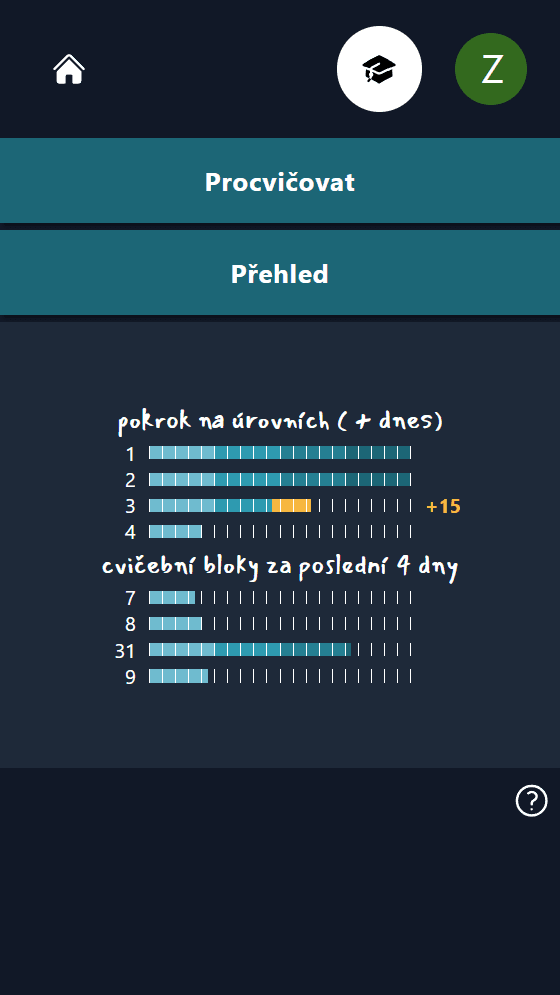
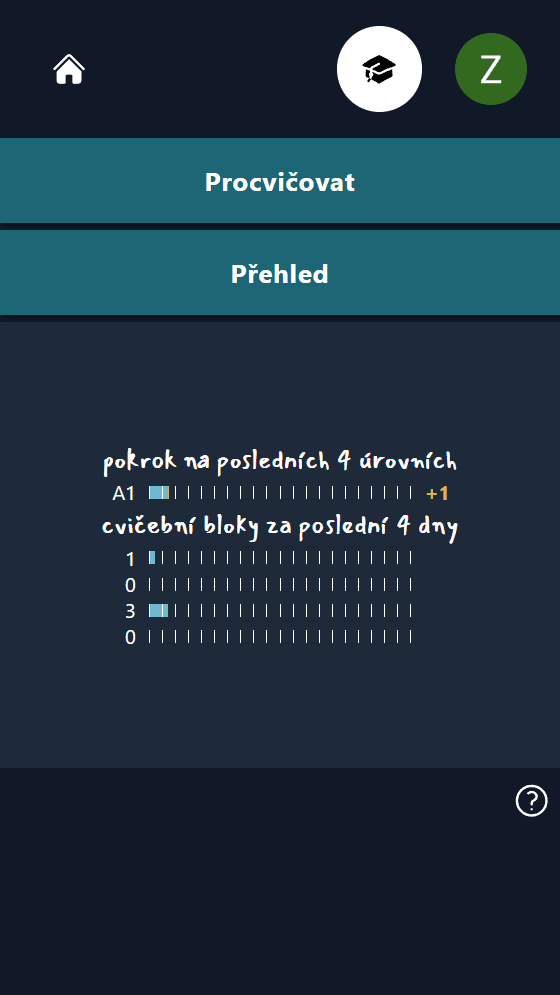
The User Dashboard also shows progress in two areas. The first is progress in the last four levels based on learned words or sentences. Currently, these are CEFR levels, but I plan to change this to about 100 generic progress levels. The second is progress in daily repetition blocks. At the moment, it shows about 40 daily blocks per 10 items, which equals 400 repetitions per day and about 20 minutes of practice. Essentially, the first is linked to overall progress, and the second to daily practice. In the grand scheme, it’s just about providing motivating feedback to the user.
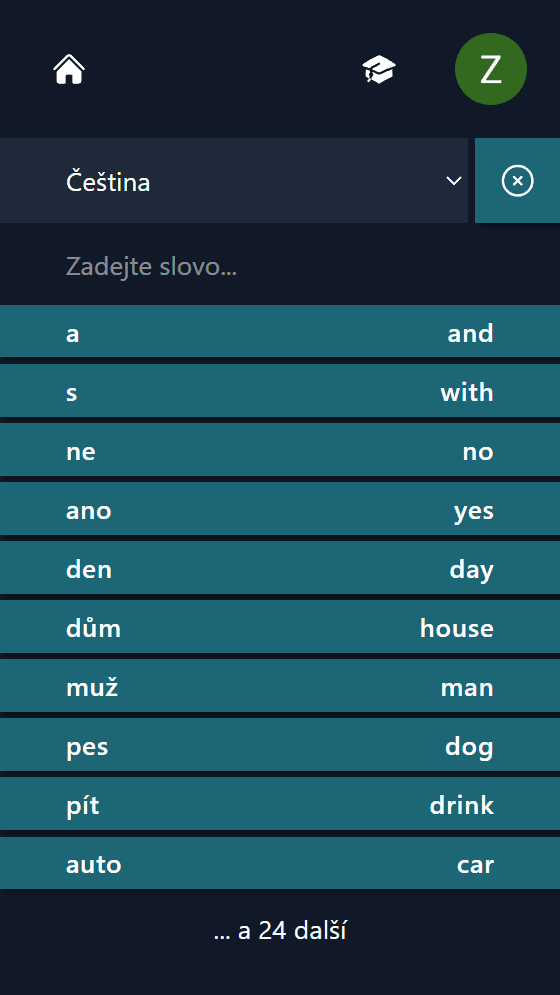
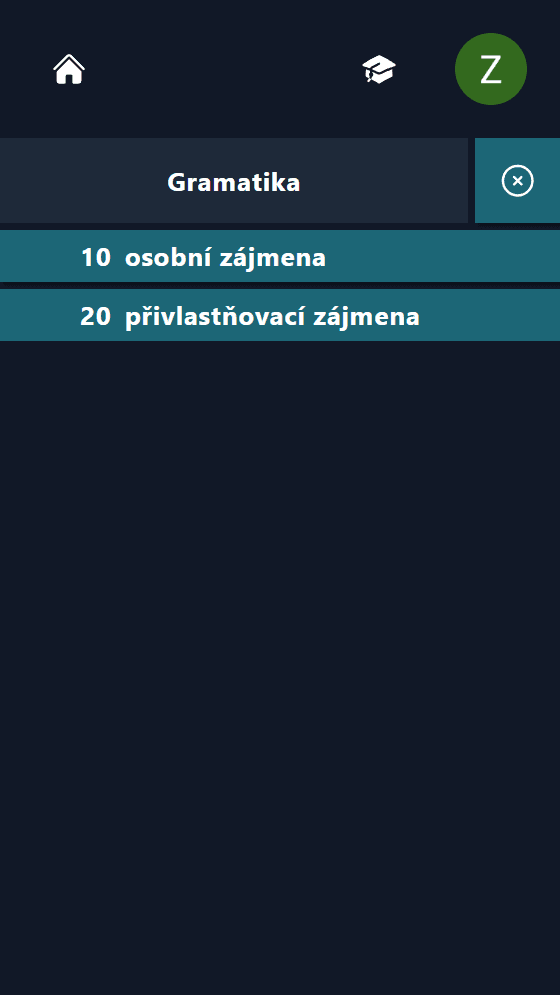
The overview allows you to look up any already unlocked word or grammar block and reset its progress if needed.
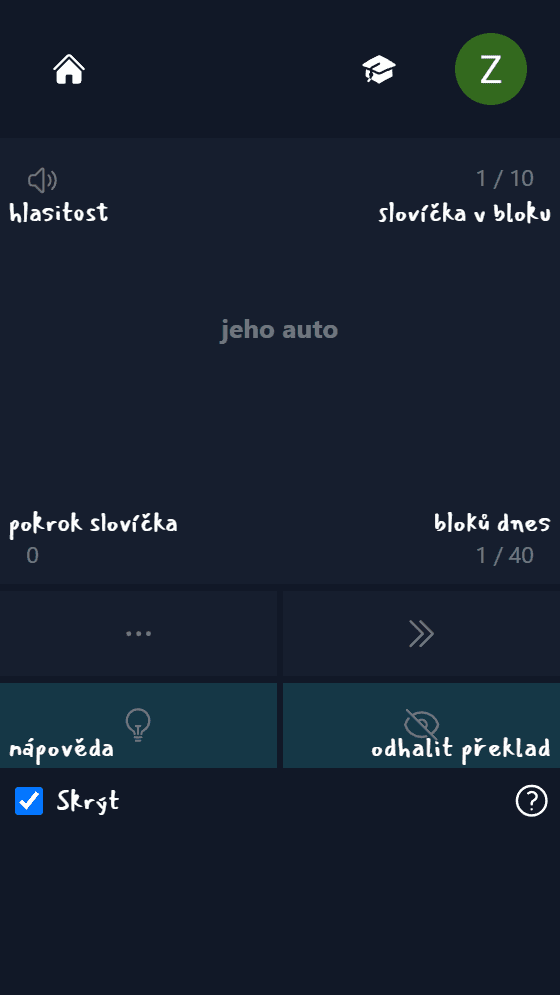
Separate help pages are rarely read, so I generally use contextual help whenever possible.
You are presented with a word or sentence, alternating between written Czech and listening to English for each word. When you reveal the translation, the full translation is displayed.
Using the plus or minus buttons, you evaluate your knowledge. Plus increases the interval for the next repetition, while minus decreases it. The app automatically adjusts the algorithm based on your input.
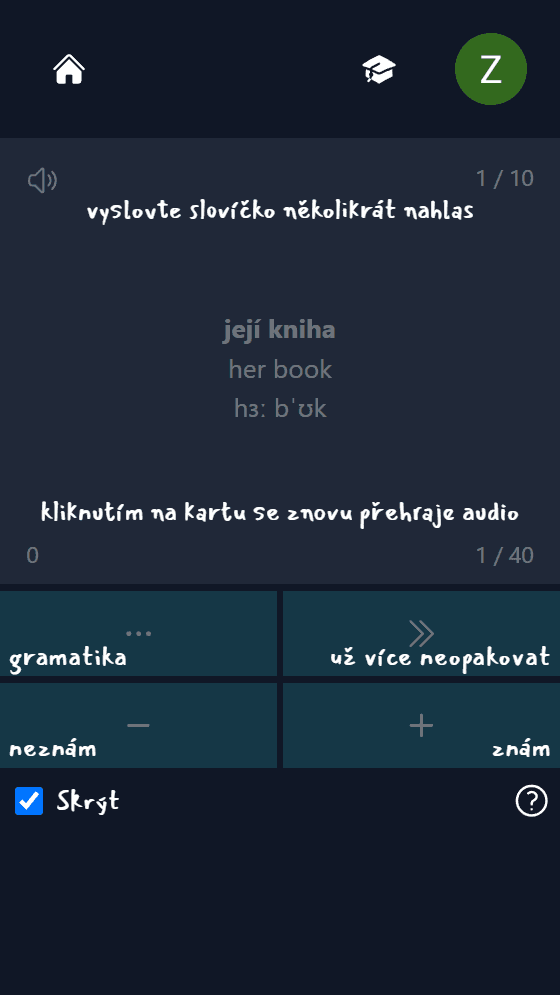
I tested several tools (Vosk, Gentle, Google Speech-to-Text API). All are too inaccurate to be truly useful. It would be great to get immediate feedback on my pronunciation, but for now, listening and immediately repeating works quite well.
Python, Google API
Translation, pronunciation, and audio files are all generated using the Google Translate API and other tools.
Firebase (Google Auth)
PostgreSQL, Supabase for hosting
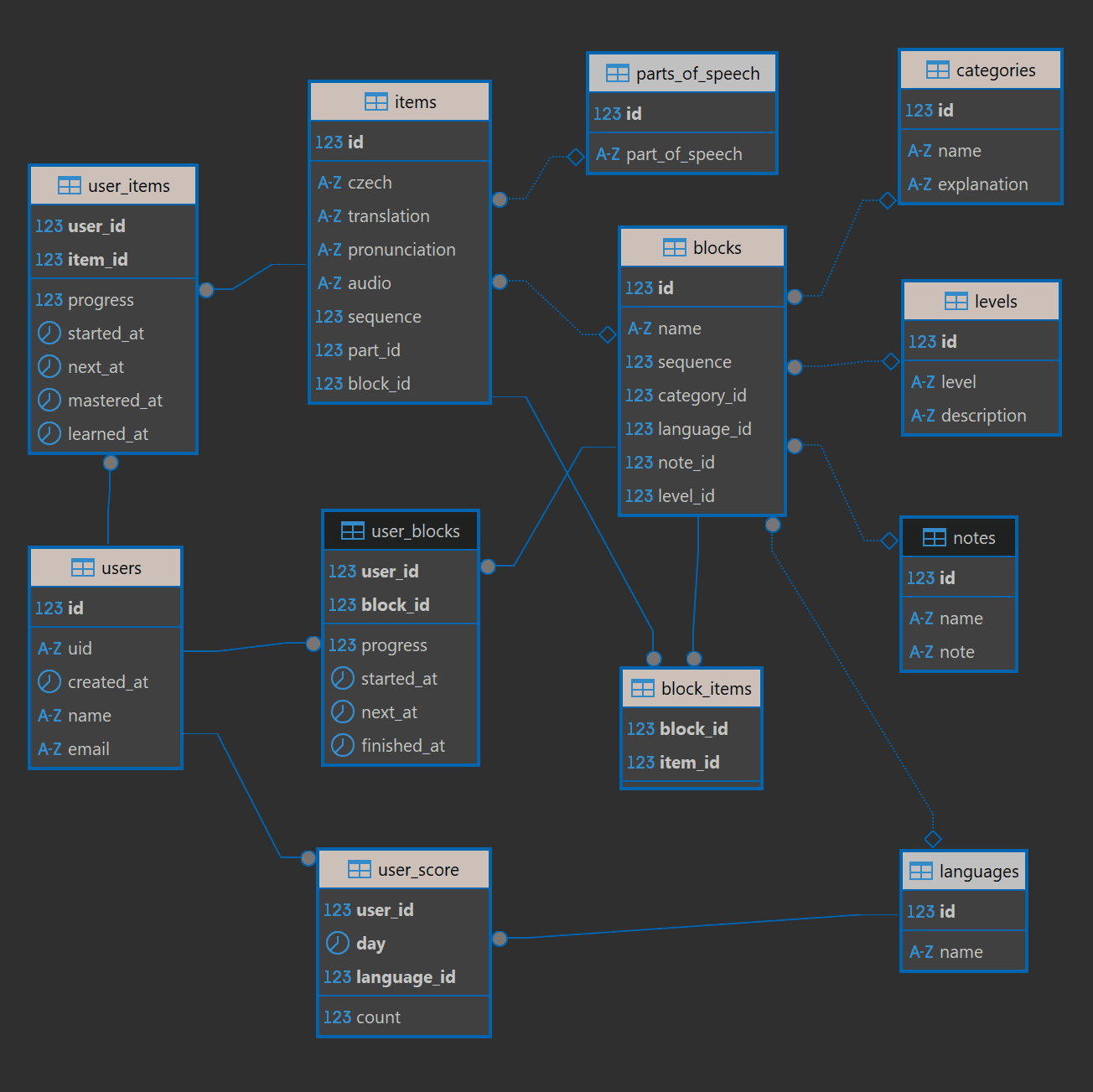
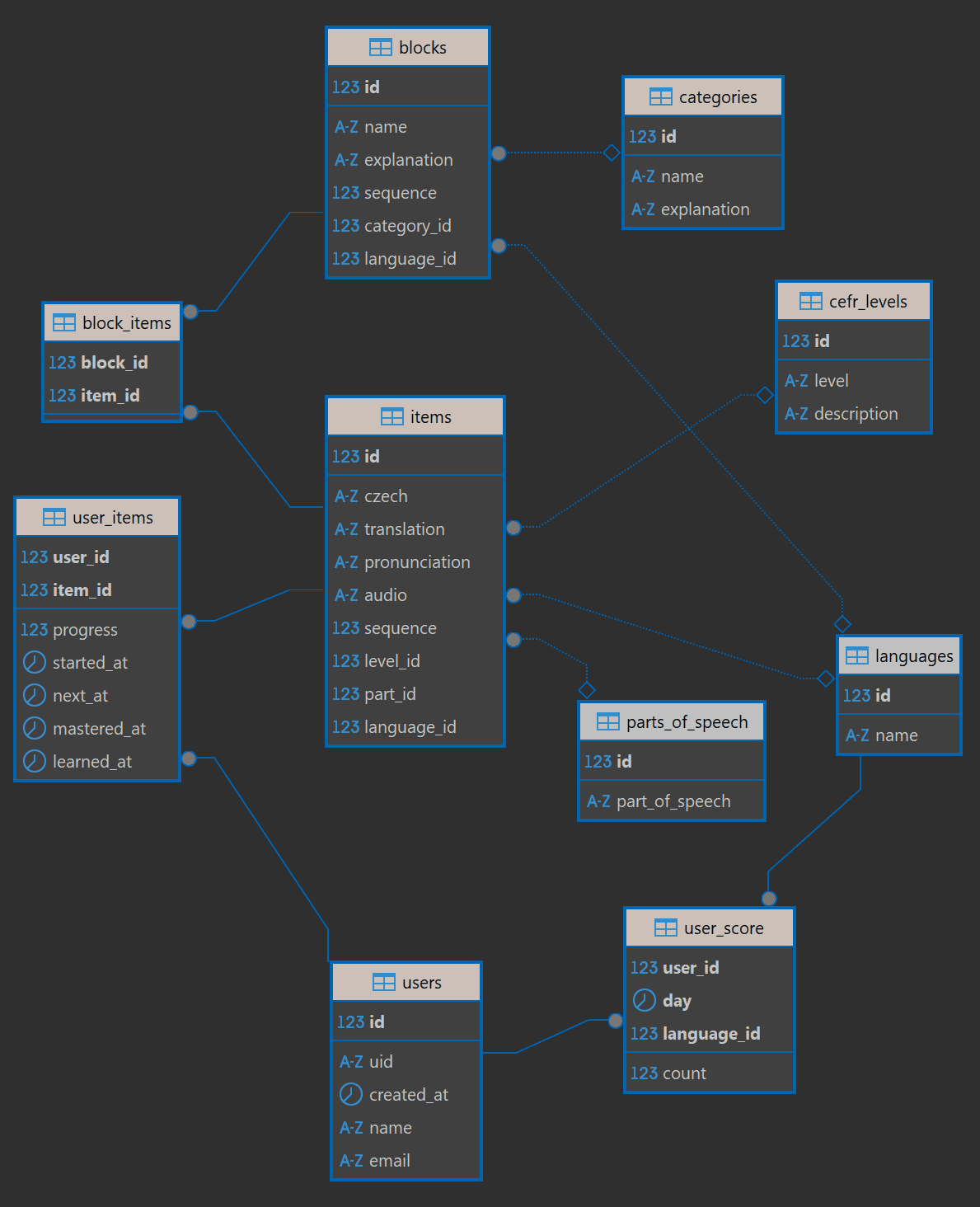
The SQL database schema is quite simple, with just a few tables, but it provides significant flexibility in organizing the practice flow. Generally, some items are grouped together in various grammar blocks and inserted into the basic practice sequence.
Node.js, Express.js, Winston Logger, Railway for hosting
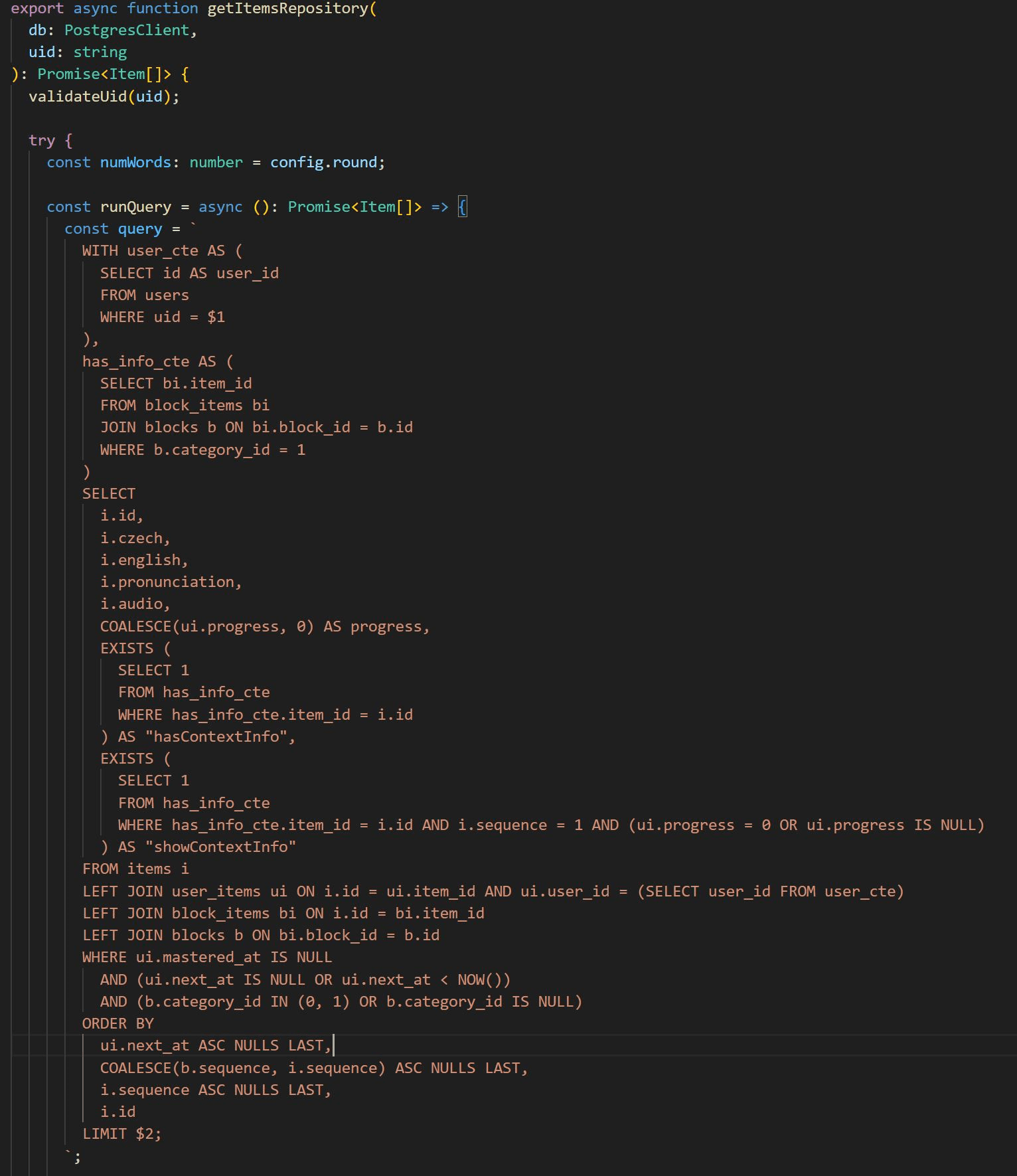
The function getItemsRepository is crucial for combining individual words and sentences.
React, React Router, TypeScript, Vercel for hosting
PracticeCard.tsx is the core component responsible for the entire frontend practice logic. It employs useStates, useEffects, useCallbacks, useRefs, and custom hooks to manage the practice flow.
Vitest, Jest, React Testing
I initially created numerous tests but realized that constant feature changes required rewriting them, which consumed about 50% of my time. Once the app stabilizes, I plan to add comprehensive tests to cover all necessary cases.
I have added support for multiple languages for testing purposes. Since I already know English too well, I cannot properly test myself on it. Therefore, I added Spanish to test the app on myself. It works well if the user is disciplined in evaluating his knowledge.
he app just needs to be filled with more data. I have already added some English and Spanish words, but in the future, I will look for cooperation with someone who specializes in specific languages.